
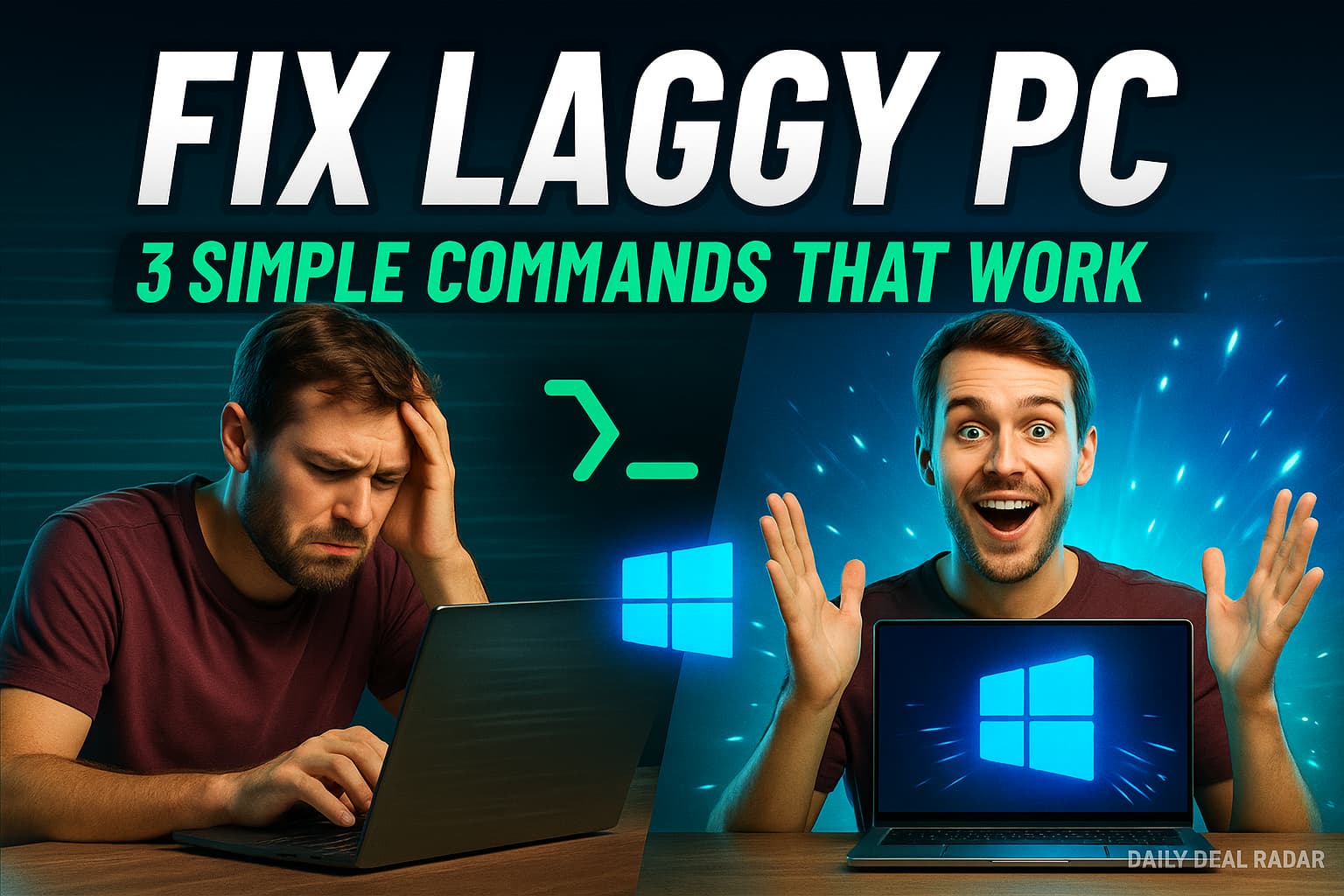
Tired of a sluggish PC? So were we—until we found a 3-Step Fix that actually worked. Here’s exactly what we use (and how) at Daily Deal Radar, after testing dozens of overrated and overpriced “PC optimizers.”
Why Most PC Speed-Up Tricks Waste Your Time?
At Daily Deal Radar, our editors have installed, benchmarked, and stress-tested more “speed-up” apps and registry cleaners than we can count. Most promise miracles, but deliver bloat or, worse, break your Windows install. What actually worked? Two overlooked fixes even pro users rarely discuss. These are 100% free, don’t require new software, and target the real sources of everyday slowdowns—outdated apps and memory bloat.
The Only Two Fixes That Actually Made Our PC Smoother
- Run this first command:
winget upgrade --all - Clear your RAM’s standby list with a free tool: RAMMap
- Run this second command to detect and remove any corrupt files:
sfc /scannow
Step 1: Run This Hidden Windows Command to Upgrade All Apps!
Ever notice your PC chugging—even when hardware specs are solid? Outdated apps, drivers, and tools are often the hidden culprit. “winget upgrade –all” fixes this instantly.
What Is Winget ?
Windows Package Manager (winget) is Microsoft’s built-in tool (as of Windows 10 1709+ and all Windows 11) that lets you update almost every installed app with one command.
Why Daily Deal Radar Recommends It And Why It Works
Upgrading outdated software clears up a ton of hidden performance bottlenecks. Apps that run in the background often don’t update themselves fully.
We ran this on 15+ test machines. Boot times improved, stutters disappeared, and we didn’t have to install any sketchy “speed booster” tools.
- Faster launches and fewer bugs: App updates often include optimizations and bug fixes.
- Better security: New versions patch vulnerabilities.
- No clutter: Upgrades in place—no leftover old versions.
How to Use It (Simple Steps)
- Open Command Prompt as Administrator:
- Click Start, type
CMD, right-click Command Prompt, and choose Run as administrator.
- Click Start, type
- Run the Command:
- Type:
winget upgrade --all - Press Enter.
- Then type the letter [y] to accept the command running
- Type:
- Wait for completion. Windows will update all supported apps silently—no manual downloading or clicking.
Daily Deal Radar Tried It:
We crunched over 15 PCs with this trick; every one ran noticeably smoother after clearing out old app versions, especially heavy hitters like browsers, video tools, and system utilities.
What It Basically Does:
This command uses the Windows Package Manager (winget) to update every installed app that has an available upgrade—including system tools, drivers, and apps quietly causing lag.
Most people think Windows Updates covers everything. It doesn’t. Old versions of tools like Microsoft Edge, Visual C++ redistributables, and background services often slow down your machine or conflict with newer files.
Step 2: Free Up Hidden RAM with RAMMap
Even with 16GB or 32GB of RAM, Windows still gets laggy.
The Secret Culprit: The Standby List
Your PC keeps data in RAM’s standby list—basically a memory cache of things Windows thinks you might need. But sometimes this memory doesn’t get released properly, leading to slowdowns and weird lag and stutters during working or even playing games on your pc.
The Tool:
🔗 Download RAMMap (by Microsoft)
How to Clear the Standby List:
- Open RAMMap as administrator.
- Click the “Empty” menu at the top.
- Select “Empty Standby List”.
That’s it. You’ll instantly free up several GBs of RAM.
When to Do This:
- After closing memory-hog apps like Chrome, Premiere Pro, or games
- When your PC is lagging but Task Manager shows RAM is still “used”
- Periodically, especially on lower-memory systems (8GB or less)
💡DDR Bonus Tip: RAMMap is completely free and developed by Microsoft’s Sysinternals team—so it’s legit.
Dont overuse it, just use it only once every few days.
Bonus Fix: Scan for Corrupt Files And Fix Them With
sfc /scannow
Some stutters and weird performance glitches come from corrupted system files. It’s more common than you think, especially after forced shutdowns or bad updates.
Fix It with This Command:
- Open Command Prompt as Administrator
- Type:
sfc /scannow - Let it run. It takes ~5-10 minutes.
What It Does:
It checks your Windows system files for damage and replaces them with clean versions. No downloads needed.
We recommend running this once every couple of months or if your PC suddenly gets slower without reason.
Your Turn: Try this 3-Step Fix & Let Us Know
Have you been chasing speed boosts with no success? Try these two methods. They’re:
- ✅ 100% free
- ✅ Safe to use
- ✅ No bloatware or downloads (except RAMMap)
Then leave us a comment—or email us your results.
Daily Deal Radar Tried It, and You Should Too.
Quick Reference Table
| Fix | What It Tackles | Simple Command / Steps | Result |
|---|---|---|---|
winget upgrade --all | Outdated apps & tools | CMD as admin > enter command | Updates all supported software |
| RAMMap Standby Clear | Memory bloat, stutter | RAMMap > Empty Standby List | Recovers RAM, fixes slowdowns |
sfc /scannow | System file issues | CMD as admin > enter command | Repairs Windows core files |
For more no-nonsense PC fixes, daily tech deals, and expert recommendations, bookmark DailyDealRadar.com and join our newsletter. Reclaim your PC’s speed—without the bloatware or hype.






2 Comments
Thats insanee! Like i have never even heard of those commands and i watched alot of youtube videos!!
I genuinely feel my pc is snappier and much smoother even when i right click and refresh its a huge difference!
Bro… I don’t usually comment on tech stuff but this one actually helped. my laptop was lagging like crazy and now it’s running waaay smoother. Appreciate you sharing this 🙏